
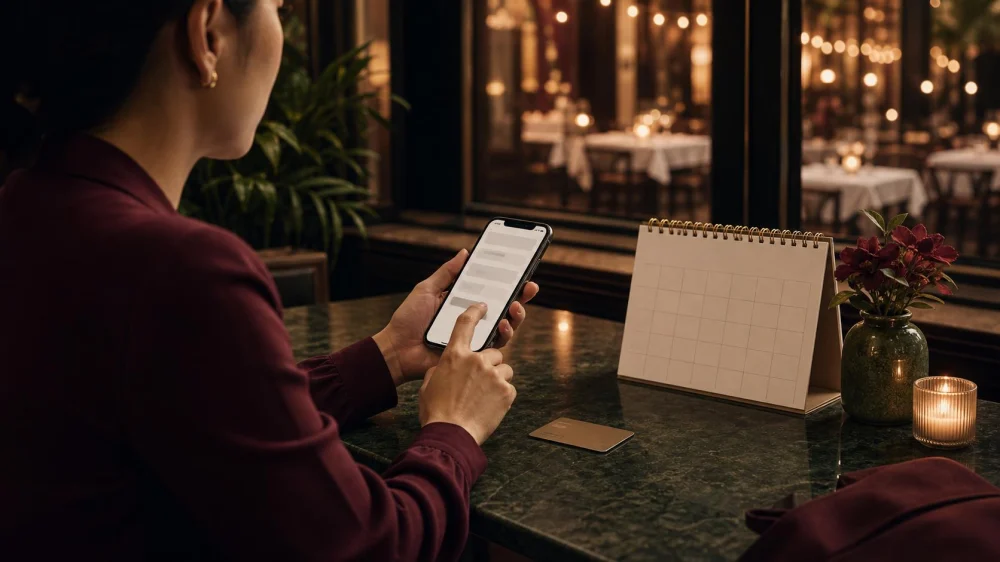
Restaurant Reservation Deposit: Check the Cancellation Terms Before You Book
Quick answer: Before entering a card, confirm whether the restaurant is charging a refundable deposit, a nonrefundable prepayment, a per-person hold, or a no-show fee. Save the cancellation window, party-size rules, grace period, refund timing, and confirmation. Contact the restaurant early when plans change and keep written proof of any approved change.
1. Distinguish a Card Hold, Deposit, Prepayment, and Fee
A restaurant may store card details without charging, place a temporary authorization, collect a deposit credited to the bill, sell a prepaid experience, or assess a fee after late cancellation or no-show. These are not interchangeable.
Read the checkout summary and ask what amount will post now, what may post later, and whether tax, service charge, gratuity, or platform fees are included. Take a screenshot before confirming.

2. Record the Exact Cancellation Window and Time Zone
“One day before” may mean 24 hours, the prior calendar day, or a stated local time. Confirm the restaurant's time zone and whether online cancellation must be completed before a cutoff. Add a calendar reminder well in advance.
Ask whether weather, travel disruption, illness, or emergency exceptions exist, but do not assume they do. An exception is strongest when confirmed in writing.

3. Confirm Charges for Fewer or More Guests
Some policies charge per reserved guest even when part of the party does not attend. Others require notice before reducing the table size or treat an increase as a new reservation. Read the minimum-spend and private-room terms for large groups.
Give an accurate count and update it early. Do not reserve multiple tables under different names to bypass limits; the restaurant may cancel duplicate bookings.
4. Know the Grace Period and Table-Hold Policy
Find out how long the table will be held, what counts as arrival, and whether the full party must be present before seating. Traffic and parking do not necessarily pause the clock.
Call as soon as you expect to be late. Record who you spoke with and the revised instruction. A message left after the reservation time may not prevent a fee.
5. Check Whether You Are Buying a Meal or Only Reserving a Table
Special events, tasting menus, holidays, and chef counters may require full prepayment and have stricter refund or transfer rules. Confirm menu, dietary accommodation process, beverage pairing, service charge, gratuity, and optional add-ons.
Do not assume a prepaid ticket can be resold or transferred. Ask whether the named guest, date, or time can change and whether the restaurant must approve.
6. Identify the Restaurant, Booking Platform, and Payment Processor
A third-party platform may handle booking while the restaurant sets the policy. Save both support contacts and learn which party controls changes, refunds, and receipts. Verify that links come from the restaurant's official site or a known service.
Use a secure connection and avoid sending complete card details by email or direct message. Check the merchant name that will appear on the statement.
7. Keep the Policy, Confirmation, and Receipt Together
Save screenshots or PDFs showing the date, time, party size, location, amount, cancellation terms, confirmation number, and timestamp. Policies can change on a website after booking; your record shows what you accepted.
Share essential details with the group, but do not post a confirmation code publicly. Add the restaurant's phone number and arrival plan to the calendar entry.
8. Make Changes Through the Approved Channel
Use the reservation link, app, or restaurant contact specified in the confirmation. Do not assume a social-media message reaches reservation staff. If the online tool is unavailable, call and follow with a concise email when possible.
Ask for an updated confirmation after changing date, time, count, or name. Keep both the old and new records until the meal and payment are complete.
9. Track the Promised Refund or Bill Credit
If a deposit should be applied to the bill, check the itemized receipt before paying. If a refund is approved, ask for amount, method, processing date, and expected posting window. Card refunds may take time to appear.
Do not confuse a released authorization with a refund; the account display can differ. Keep the cancellation confirmation and statement until the transaction is resolved.
10. Start With the Restaurant, Then Escalate With Evidence
For an unexpected charge, compare it with the saved policy and contact the restaurant or platform promptly. Provide the confirmation number, date, amount, and supporting messages without publishing card information.
If the issue remains unresolved, review the card issuer's dispute process and deadlines. Describe facts accurately; a charge consistent with clearly accepted terms is different from a duplicate, unauthorized, or incorrectly applied fee.






 Taqueria y paleteria michuacana0.0 (0 reviews)
 Sanmiwago0.0 (0 reviews)
 Downtown Yummy4.0 (112 reviews)
 Popeyes Louisiana Kitchen3.0 (821 reviews)
 Saltgrass Steak House4.0 (1097 reviews)
 Wings N Go4.0 (424 reviews)
 How to Order the Perfect Brunch Flight of Drinks
 Best Indian Curry Houses in Major US Cities
 Restaurant Reviews Every Food Lover Should Know: Ultimate Guide to Dining Out
 Best Mediterranean Restaurants With Shared Plates
 Dining Experiences Foodies Can’t Stop Talking About: Top Trends and Must-Visit Spots
 Best Middle Eastern Salads and Mezze Menus